Export to XER (Primavera P6)
Applies to: Pro · Enterprise Last updated: 27-Feb-2026
Overview
Export your schedule as a Primavera P6 XER file — the industry-standard format for exchanging project data with Oracle Primavera P6 Professional and EPPM. Kazinex writes XER files compatible with P6 version 20.0 and later, covering 17 P6 data tables.
Prerequisites
- Active Pro or Enterprise subscription
- At least one schedule loaded
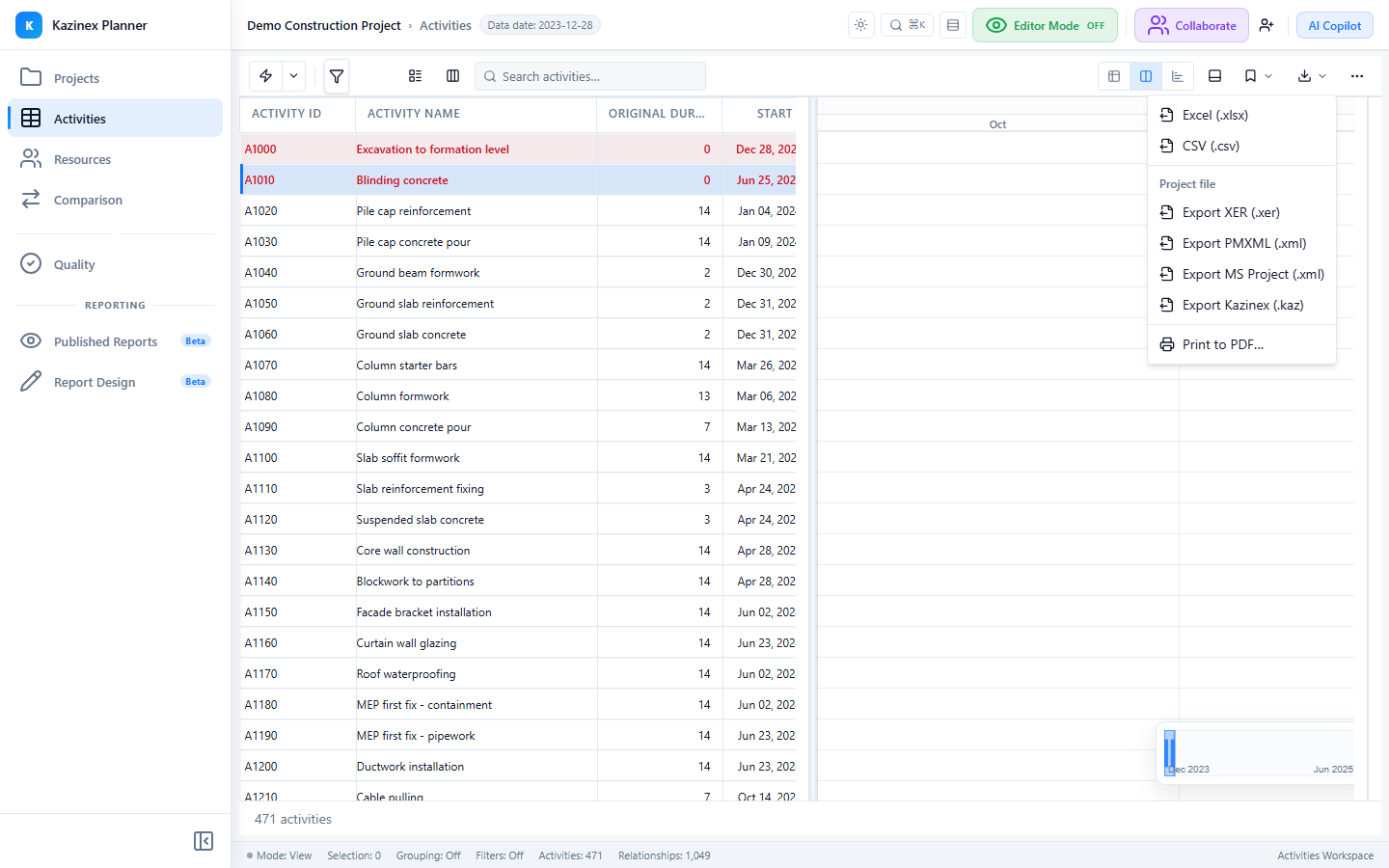
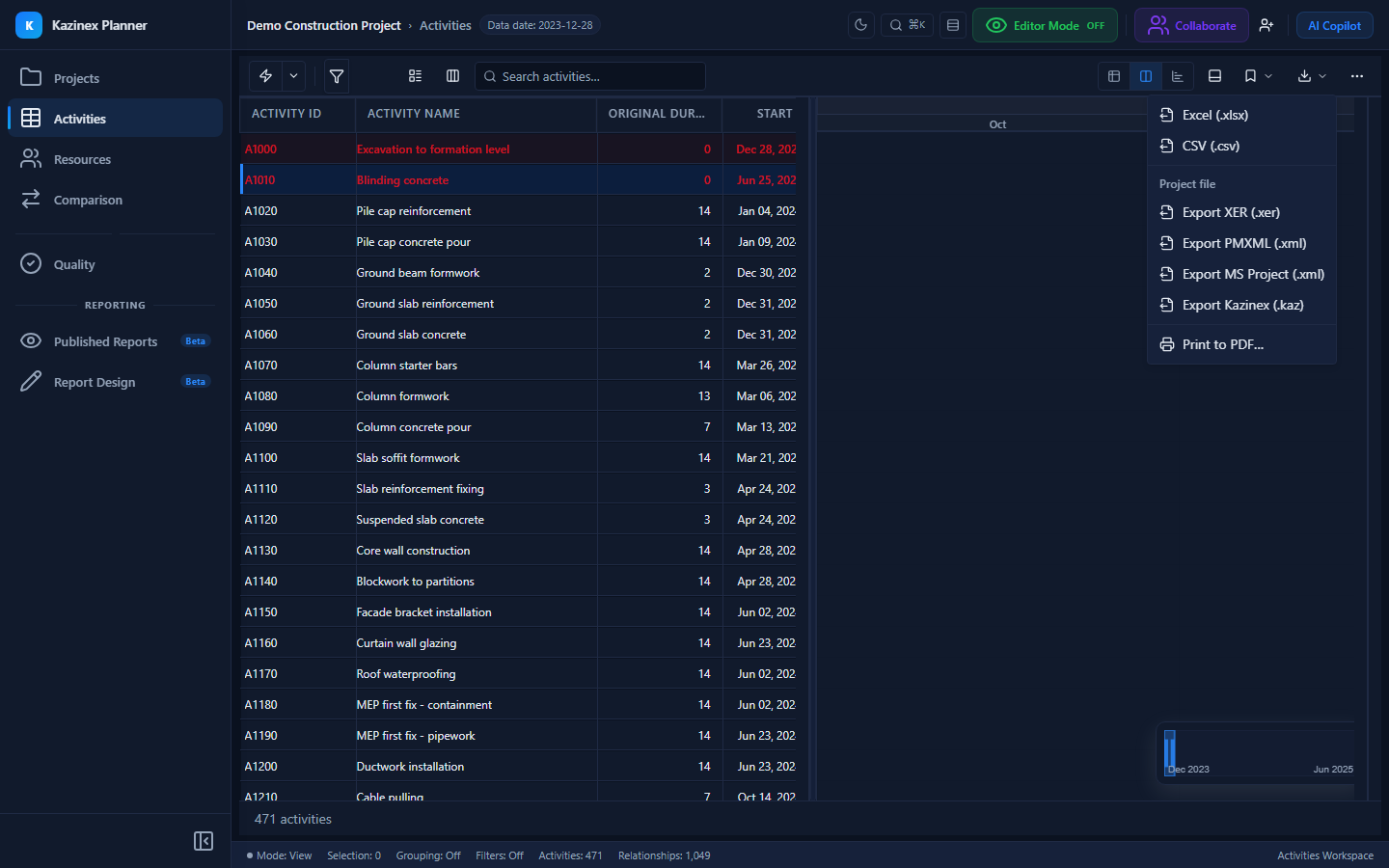
- Export → Primavera XER (.xer) from the Export menu
XER File Format
XER files use a tab-delimited text format with four record types:
| Marker | Meaning | Description |
|---|---|---|
%T | Table | Declares a new table and its columns |
%F | Field | Lists the column names for the current table |
%R | Row | A data row with tab-separated values |
%E | End | Marks the end of the file |
The first table is always ERMHDR (export header), which contains the P6 version string and export metadata.
Exported Tables
Kazinex writes 17 P6 tables in the following order:
1. ERMHDR — Export Header
| Field | Value |
|---|---|
| version | 20.0 |
| export_type | Single project export |
| date_format | yyyy-MM-dd |
2. CURRTYPE — Currency Type
Default project currency (typically USD).
3. FINTMPL — Financial Template
Financial period template.
4. OBS — Organisation Breakdown Structure
Organisational hierarchy nodes.
5. UDFTYPE — User Defined Field Types
UDF type definitions (field name, data type, subject area).
6. UMEASURE — Units of Measure
Resource measurement units.
7. ROLES — Resource Roles
Role definitions for resource-role assignment.
8. PROJECT — Project Record
The main project record with 64+ fields including:
| Field Group | Key Fields |
|---|---|
| Identity | proj_id, proj_short_name (max 20 chars), wbs_max_sum_level |
| Dates | plan_start_date, plan_end_date, scd_end_date, last_recalc_date |
| Status | status_code, sum_data_flag |
| Settings | def_cost_per_qty_source_type, act_pct_link_flag |
9. CALENDAR — Calendars
Calendar definitions including work weeks and exceptions. Each calendar record contains:
- Calendar ID, name, and type (Global, Project, Resource)
- Standard work week pattern (7 days × hours)
- Holiday exceptions
10. SCHEDOPTIONS — Schedule Options
CPM calculation parameters including:
- Retained logic / progress override toggle
- Total float calculation method
- Lag calendar source
- Critical activity definition
11. PROJWBS — WBS Nodes
Work Breakdown Structure hierarchy with 26 fields per node:
| Field Group | Key Fields |
|---|---|
| Identity | wbs_id, wbs_short_name, wbs_name |
| Hierarchy | parent_wbs_id, seq_num |
| Dates | anticip_start_date, anticip_end_date |
| Status | status_code, wbs_milestone_flag |
12. RSRC — Resources
Resource definitions with 31 fields including:
- rsrc_id, rsrc_short_name, rsrc_name
- rsrc_type (RT_Labor, RT_Mat, RT_Equip)
- max_qty_per_hr, cost_qty_type
- Parent resource for hierarchical resources
13. RSRCRATE — Resource Rates
Cost rate tables for each resource.
14. TASK — Activities
Activity records with 62 fields — the largest table in the export:
| Field Group | Key Fields |
|---|---|
| Identity | task_id, task_code, task_name |
| Type | task_type (TT_Task, TT_Mile, TT_LOE, TT_WBS), phys_complete_pct |
| Dates | early_start_date, early_end_date, late_start_date, late_end_date, act_start_date, act_end_date |
| Duration | target_drtn_hr_cnt, remain_drtn_hr_cnt, total_float_hr_cnt, free_float_hr_cnt |
| Constraints | cstr_type, cstr_date, cstr_type2, cstr_date2 |
| Calendar | clndr_id |
| WBS | wbs_id |
| Status | status_code (TK_NotStart, TK_Active, TK_Complete) |
15. TASKPRED — Relationships
Predecessor relationships between activities:
| Field | Description |
|---|---|
| task_pred_id | Unique relationship ID |
| task_id | Successor activity |
| pred_task_id | Predecessor activity |
| pred_type | PR_FS, PR_SS, PR_FF, PR_SF |
| lag_hr_cnt | Lag in hours |
16. TASKRSRC — Resource Assignments
Resource assignments with 47 fields per assignment:
| Field Group | Key Fields |
|---|---|
| Identity | taskrsrc_id, task_id, rsrc_id |
| Units | target_qty, act_reg_qty, remain_qty |
| Cost | target_cost, act_reg_cost, remain_cost |
| Dates | target_start_date, target_end_date |
17. UDFVALUE — User Defined Field Values
UDF values assigned to activities, WBS nodes, or resources.
Export Process
- Select Export → Primavera XER (.xer) from the Export menu
- The export begins immediately with a progress indicator
- Progress stages display during generation:
- Writing project header…
- Writing calendars…
- Writing WBS structure…
- Writing activities…
- Writing relationships…
- Writing resources…
- Finalising…
- The browser downloads the
.xerfile automatically
File Naming
The exported file is named: {project_short_name}_{YYYY-MM-DD}.xer
The project short name is sanitised to 20 characters maximum, with special characters replaced by underscores.
Limitations
| Limitation | Detail |
|---|---|
| Single project | Only one project per XER file (no multi-project export) |
| Calendar generation | Calendars are generated from the internal model, not round-tripped from the original import |
| Character encoding | UTF-8 output (not true CP-1252 as P6 traditionally uses); most P6 versions handle this gracefully |
| Project short name | Sanitised to 20 characters |
| Activity codes | Exported via UDFVALUE table; P6-native ACTVCODE tables are not written |
| Timephased data | Not included (use the Resources tab for time-phased views) |
Tips & Best Practices
- Use XER export when sharing schedules with teams that use Primavera P6 Professional or EPPM
- Verify the exported file by re-importing into Kazinex or opening in P6
- The project short name appears as the project ID in P6 — keep it meaningful and under 20 characters
- For Microsoft Project users, use the MSPDI export instead
Related Documentation
- Export to MSPDI — Export for Microsoft Project
- Export to XML — Export as Oracle PMXML
- Printing — Generate PDF output
- Uploading Schedules — Import XER files into Kazinex