Export to XML (PMXML)
Applies to: Pro · Enterprise Last updated: 27-Feb-2026
Overview
Export your schedule as an Oracle PMXML v22 file — the native XML format used by Oracle Primavera P6 for structured data interchange. This format preserves the project hierarchy, activities, relationships, and calendars in a well-formed XML document.
Prerequisites
- Active Pro or Enterprise subscription
- At least one schedule loaded
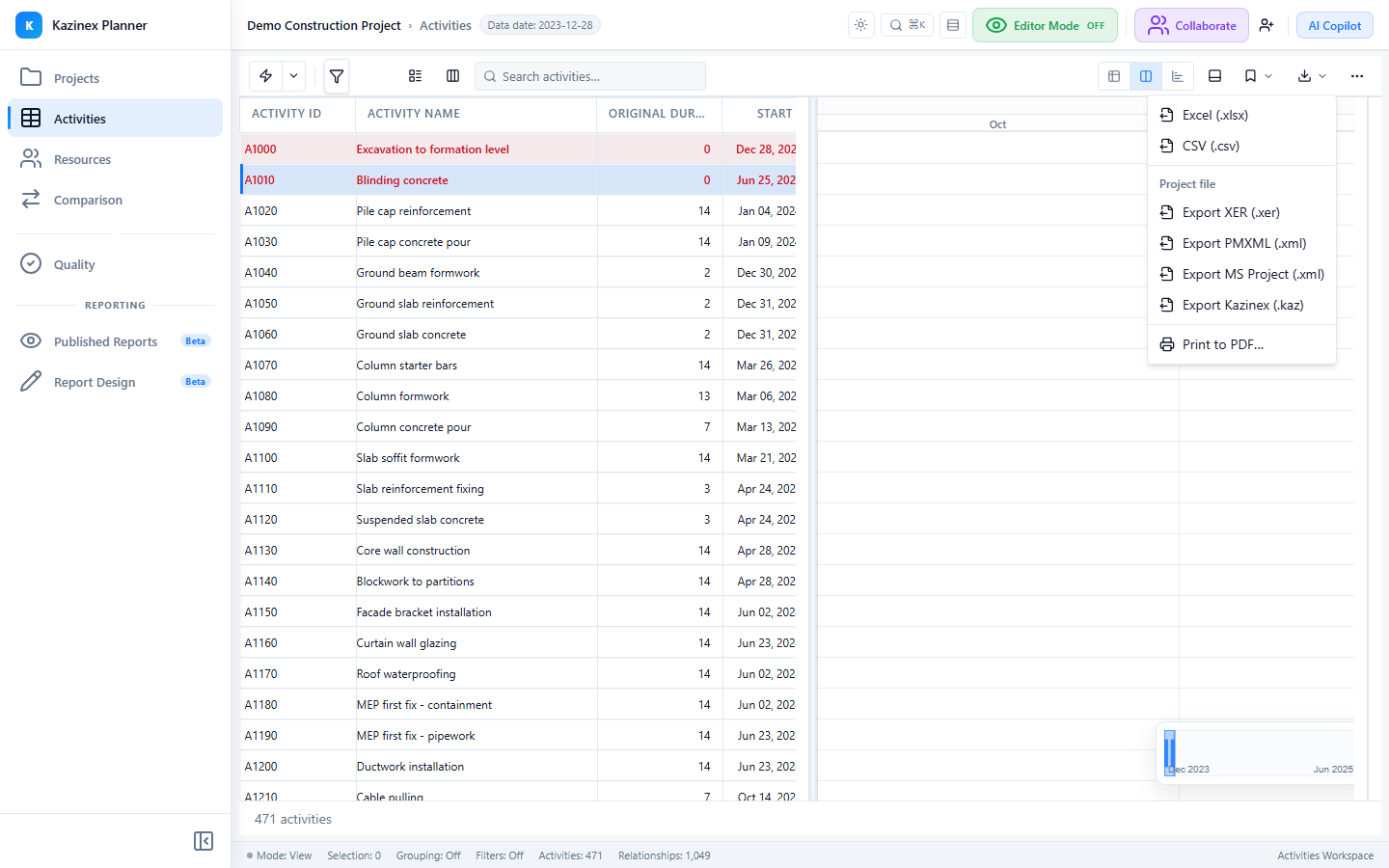
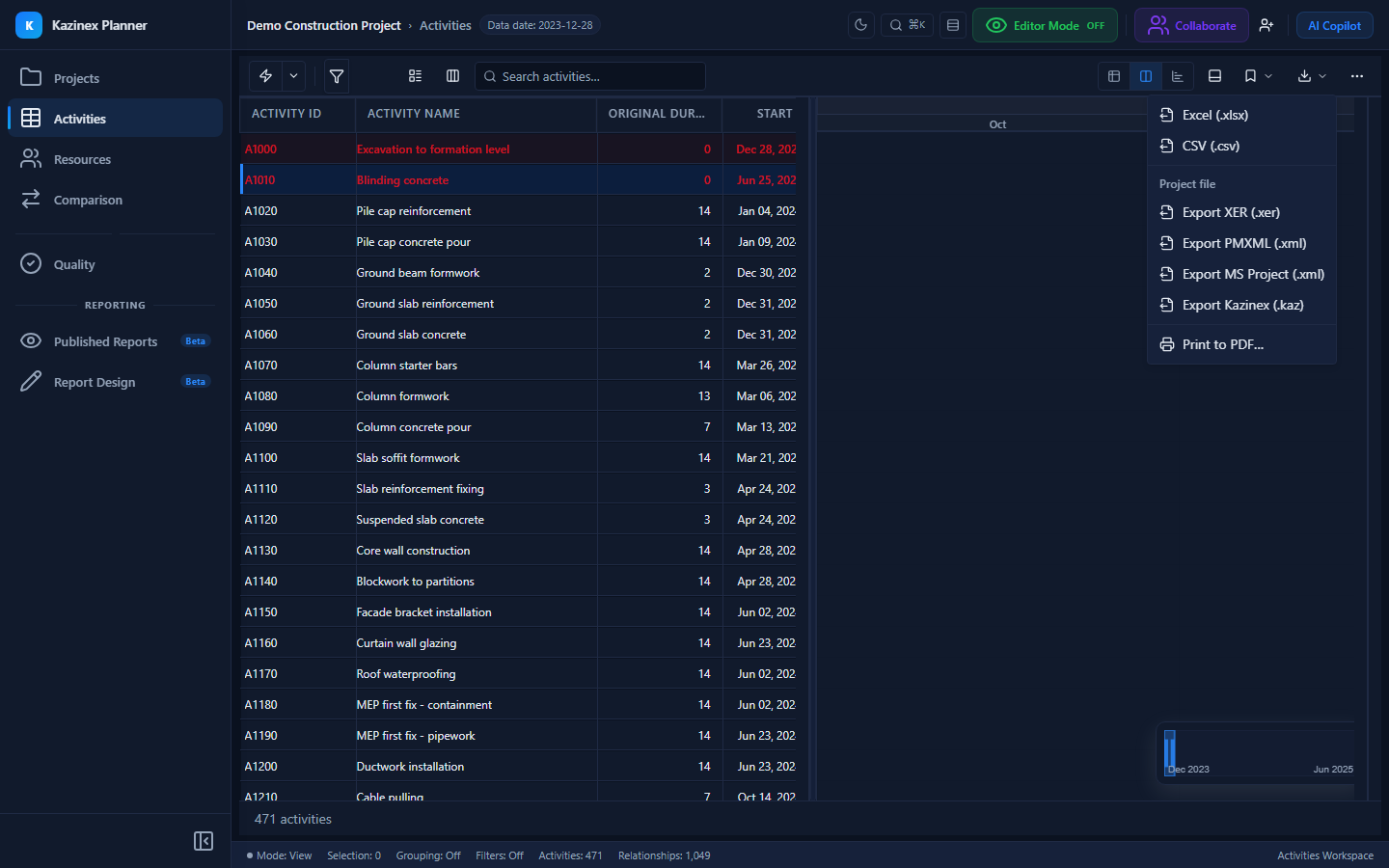
- Export → Primavera XML (.xml) from the Export menu
PMXML Format
The PMXML schema follows this structure:
<APIBusinessObjects>
  <Project>
    <Activity>...</Activity>
    <Relationship>...</Relationship>
    <WBS>...</WBS>
    <ProjectCalendar>...</ProjectCalendar>
  </Project>
</APIBusinessObjects>
Exported Elements
Project
| Element | Description |
|---|---|
| ProjectId | Project short name |
| Name | Project full name |
| PlannedStartDate | Planned start |
| MustFinishByDate | Planned finish |
| DataDate | Last schedule calculation date |
| ScheduledFinishDate | Calculated project finish |
| Status | Planning, Active, or Complete |
WBS
| Element | Description |
|---|---|
| WBSObjectId | Unique WBS node ID |
| Code | WBS code |
| Name | WBS node name |
| ParentObjectId | Parent WBS node ID |
| SequenceNumber | Sort order |
Activity
Each activity maps to an Activity element:
| Element | Mapping | Format |
|---|---|---|
| ActivityObjectId | task_id | Integer |
| ActivityId | task_code | String |
| ActivityName | task_name | String |
| ActivityType | See type mapping | String |
| Status | See status mapping | String |
| PlannedStartDate | early_start_date | ISO 8601 |
| PlannedFinishDate | early_end_date | ISO 8601 |
| ActualStartDate | act_start_date | ISO 8601 |
| ActualFinishDate | act_end_date | ISO 8601 |
| RemainingDuration | remain_drtn_hr_cnt | PT_n_H format |
| PlannedDuration | target_drtn_hr_cnt | PT_n_H format |
| AtCompletionDuration | calculated | PT_n_H format |
| TotalFloat | total_float_hr_cnt | PT_n_H format |
| FreeFloat | free_float_hr_cnt | PT_n_H format |
| EarlyStartDate | early_start_date | ISO 8601 |
| EarlyFinishDate | early_end_date | ISO 8601 |
| LateStartDate | late_start_date | ISO 8601 |
| LateFinishDate | late_end_date | ISO 8601 |
| PhysicalPercentComplete | phys_complete_pct | Decimal |
| PrimaryConstraintType | cstr_type | String |
| PrimaryConstraintDate | cstr_date | ISO 8601 |
| CalendarObjectId | clndr_id | Integer |
| WBSObjectId | wbs_id | Integer |
Activity Type Mapping
| Internal Type | PMXML ActivityType |
|---|---|
| TT_Task | Task Dependent |
| TT_Mile | Start Milestone or Finish Milestone |
| TT_LOE | Level of Effort |
| TT_WBS | WBS Summary |
Activity Status Mapping
| Internal Status | PMXML Status |
|---|---|
| TK_NotStart | Not Started |
| TK_Active | In Progress |
| TK_Complete | Completed |
Relationship
| Element | Description |
|---|---|
| PredecessorActivityObjectId | Predecessor activity ID |
| SuccessorActivityObjectId | Successor activity ID |
| Type | See relationship type mapping |
| Lag | Duration in PT_n_H format |
Relationship Type Mapping
| Internal Type | PMXML Type |
|---|---|
| PR_FS | Finish to Start |
| PR_SS | Start to Start |
| PR_FF | Finish to Finish |
| PR_SF | Start to Finish |
Calendar
| Element | Description |
|---|---|
| CalendarObjectId | Unique calendar ID |
| CalendarName | Calendar display name |
| CalendarType | Global, Project, or Resource |
Duration Format
All durations in PMXML use the ISO 8601 duration format:
| Hours | PMXML Format |
|---|---|
| 8 | PT8H |
| 40 | PT40H |
| 80 | PT80H |
| 0 | PT0H |
Export Process
- Select Export → Primavera XML (.xml) from the Export menu
- The export generates immediately
- The browser downloads the
.xmlfile
File Naming
{project_name}_{YYYY-MM-DD}_pmxml.xml
The _pmxml suffix distinguishes this from the MSPDI XML export.
Limitations
| Limitation | Detail |
|---|---|
| No resources | Resource definitions and assignments are not exported |
| No UDFs | User Defined Fields are not included |
| No activity codes | Activity code definitions and assignments are not exported |
| No calendar work-day data | Calendar elements include metadata but not detailed work-week patterns or exceptions |
| Single project | Only one project per file |
PMXML vs XER Comparison
| Feature | XER | PMXML |
|---|---|---|
| Format | Tab-delimited text | XML |
| Tables | 17 full P6 tables | 5 element types |
| Resources | Yes (31 fields per resource) | No |
| Assignments | Yes (47 fields) | No |
| UDFs | Yes | No |
| Activity Codes | Via UDF table | No |
| Calendar detail | Work patterns + exceptions | Metadata only |
| File size | Smaller | Larger |
| Readability | Low (tab-delimited) | High (structured XML) |
| P6 Compatibility | Full import | Full import |
Recommendation: Use XER for full-fidelity P6 data exchange. Use PMXML when XML format is required by your workflow or integration tooling.
Tips & Best Practices
- Use PMXML export when your recipient requires Oracle P6 XML format specifically
- For the most complete data export, prefer the XER format which includes resources, assignments, and UDFs
- PMXML files are human-readable — useful for debugging or data inspection
- Some third-party scheduling tools accept PMXML as an import format
Related Documentation
- Export to XER — Full-fidelity Primavera P6 export
- Export to MSPDI — Microsoft Project XML export
- Printing — Generate PDF output