Report Components
Report components are the building blocks of an output. Each component type is optimised for a specific way of presenting data. Choosing the right component is as important as the data behind it — the wrong choice obscures the story; the right one makes it immediately clear.
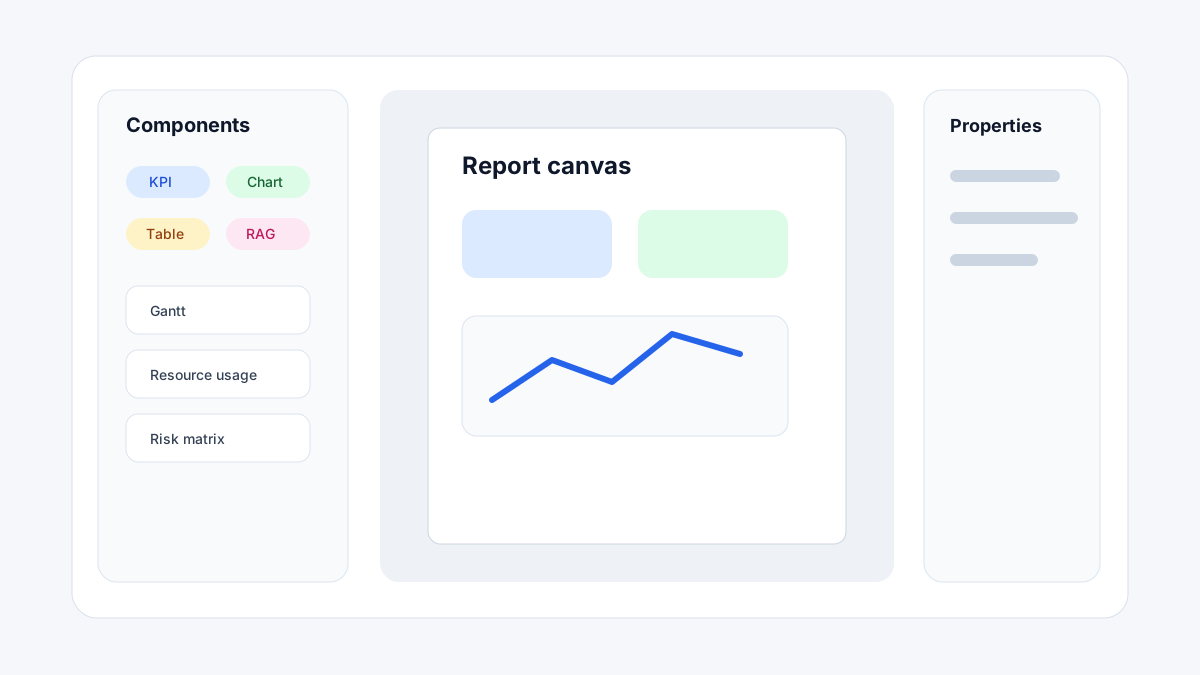
Component categories
Text and structure
Components for page organisation and narrative content:
| Component | Description |
|---|---|
| Text | Rich text block for headings, paragraphs, and formatted narrative. Supports field bindings for dynamic text. |
| Section header | Full-width styled heading bar used to label sections within a page. |
| Divider | Horizontal rule for visual separation between component groups. |
| Table of contents | Auto-generated ToC based on section headers in the output. |
| Page break | Forces a page break at this position in PDF and Word exports. |
| Rectangle | Filled or outlined box used as a visual container or background element. |
Tables and data
Components for presenting records and structured data:
| Component | Description |
|---|---|
| Table | Row-and-column table bound to a blueprint section. Supports grouping, sorting, filtering, totals rows, and conditional formatting. |
| Matrix | Cross-tab table with row and column headers. Used for period-by-period comparisons and WBS roll-ups. |
| Info grid | Key-value metadata grid for cover pages and status summaries. |
| RAG grid | Multi-row, multi-column RAG status matrix. Used for project health dashboards. |
| List | Vertical or horizontal list of field values. For simple ordered or unordered item sets. |
Charts
Components for trend, comparison, and distribution visualisations:
| Component | Description |
|---|---|
| Chart | Bar, line, area, or column chart. The primary component for category comparisons and period trends. |
| Combo chart | Overlays two chart types on the same axes (e.g. bar + line). |
| Donut chart | Proportional chart for composition and share (also renders as pie). |
| Waterfall | Step chart for financial or cumulative variance analysis. |
| Scatter / Bubble | X-Y scatter with optional bubble size for multi-variable analysis. |
| Treemap | Nested rectangle chart for hierarchical proportion (e.g. cost by WBS). |
| Funnel | Sequential stage chart for process flow and conversion. |
| Box plot | Statistical distribution chart showing quartiles and outliers. |
| Decomposition tree | Hierarchical breakdown chart for root-cause and contribution analysis. |
KPI and indicators
Components for at-a-glance status and progress visualisation:
| Component | Description |
|---|---|
| KPI card | Single metric with value, label, trend, and comparison. |
| Multi-row card | Multiple labelled field values in a compact card. |
| Gauge | Circular dial with configurable zones and target marker. |
| Progress bar | Linear bar for progress toward a target. |
| Indicator | Simple light/status indicator (coloured dot, icon, or chip). |
| Sparkline | Compact inline trend line with no axis labels. |
| Data bar | Inline horizontal bar scaled to a max value — used within tables or card rows. |
Schedule and project controls
Specialist components for CPM schedule and project-control reporting:
| Component | Description |
|---|---|
| Gantt | Activity bar chart with baseline comparison, critical path, and milestone markers. |
| Milestone trend analysis | MTA chart showing forecast date changes across reporting periods. |
| S-curve | Cumulative planned vs actual vs forecast over time. |
| Earned value | EV performance metrics chart (BCWP, BCWS, ACWP, CPI, SPI). |
| Cash flow curve | Period-by-period cumulative cash flow (income, expenditure, net). |
| Resource usage profile | Histogram or line chart of resource demand and availability over time. |
| Risk matrix / Exposure | Risk scatter plot with probability/impact axes, zone colouring, and top-risk list. |
| Network diagram | AON logic diagram for schedule dependency visualisation. |
Media and interactivity
Components for images, nested content, and user interaction:
| Component | Description |
|---|---|
| Image | Single static or field-bound image with sizing and fit options. |
| Image gallery | Grid of multiple images from a repeating-row section. |
| Subreport | Embed another Report Forge output as a nested component. |
| Button | Interactive navigation button for report viewer — links to another page or a URL. |
| Maps | Geographic map with data-point plotting from location fields. |
| Slicer | Interactive filter control (dropdown, list, date range, hierarchy, etc.) for viewer-side filtering. |
Component selection guide
| Goal | Best components |
|---|---|
| Single KPI at a glance | KPI card, Gauge, Progress bar |
| Multiple related KPIs | Multi-row card, Info grid, RAG grid |
| Trend over time | Chart (line/area), S-curve, Sparkline |
| Category comparison | Chart (bar/column), Donut chart, Treemap |
| Schedule status | Gantt, Milestone trend analysis, Network diagram |
| Cost and earned value | S-curve, Earned value, Waterfall, Cash flow curve |
| Resource and capacity | Resource usage profile, Chart (histogram) |
| Risk summary | Risk matrix, RAG grid, Table (filtered) |
| Narrative / text update | Text, Rich text binding |
| Document / photo evidence | Image, Image gallery |
| Cover page metadata | Info grid, Text, Image |
| Detailed records | Table, List |
| Cross-period comparison | Matrix, MTA chart |
| Reader-driven exploration | Slicer, Cascading parameters |